A virtual fence around the job site, and a clock-in that only works inside it. Here's how it actually behaves on a real site — dead zones, GPS drift, payroll day, and the conversation you need to have with the crew before you switch it on.
Short version: geofenced time tracking ties every clock-in to a boundary you draw around the job site. Punch inside the fence and it's accepted with a GPS stamp; punch from the truck stop and it's refused. For a 5–50 person crew, that turns Friday's guessed timesheet into a location-stamped record that flows straight into payroll — and it takes about 15 minutes to set up in JobBuddy.
A geofence is a virtual boundary drawn on a map around a physical place — in this case, your job site. Geofenced time tracking connects that boundary to the time clock: the app checks where the phone is when someone tries to punch, and either accepts the punch, blocks it, or flags it for the foreman.
That's the whole idea. What makes it worth doing is the second-order effect: once hours are attached to a location and a job, you stop reconstructing the week from memory. The timesheet stops being a story and starts being a record.
Nobody buys a time clock because they love timekeeping. They buy it because payroll is leaking somewhere they can't see. Time theft is estimated to cost businesses 1.5% to 5% of gross payroll annually, a figure attributed to the American Payroll Association and reported by WorkMax in its guide to geofenced time tracking.
On a construction crew, that leak isn't usually one dramatic fraud. It's the accumulation of small, ordinary things:
You can model what that range is worth on your own crew size and average wage with the ROI calculator on the JobBuddy homepage. Treat the output as an estimate — it's arithmetic on an industry range, not a promise about your business.
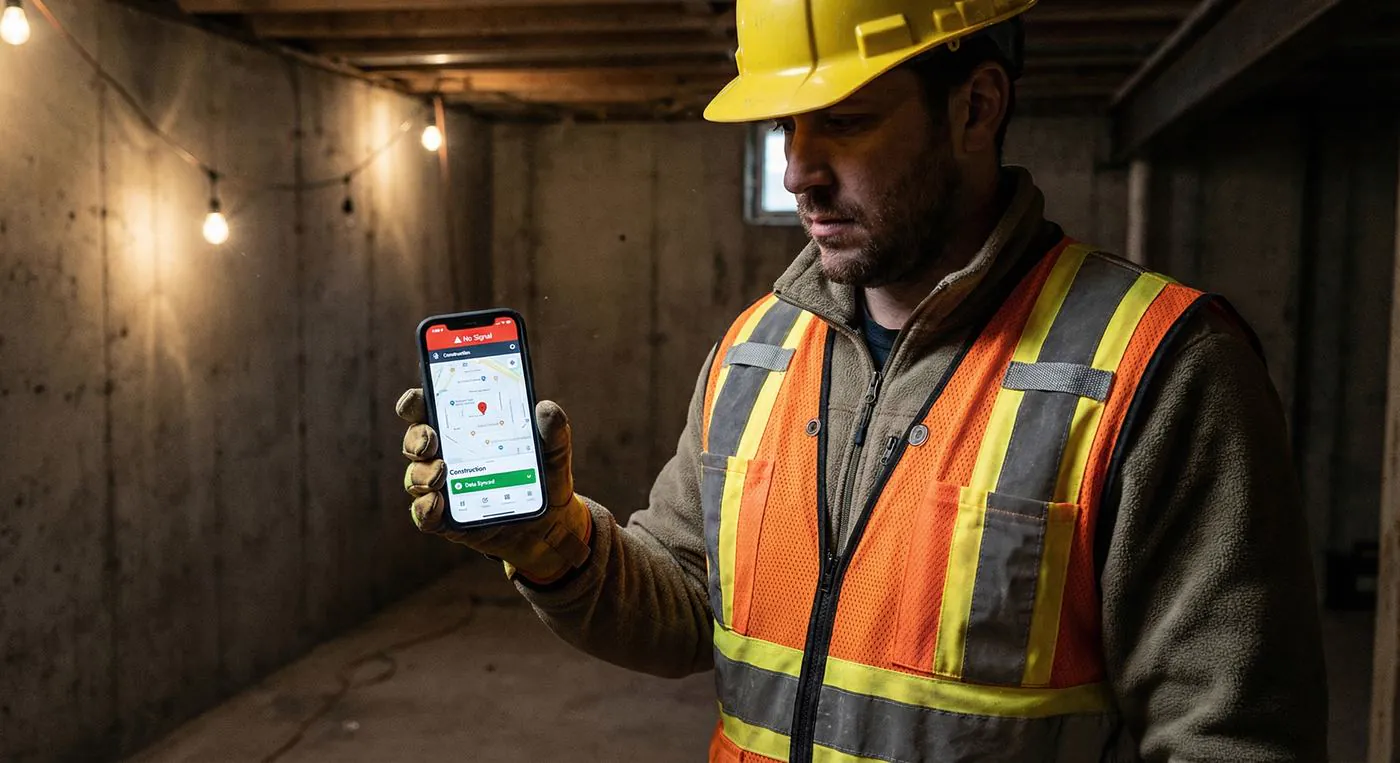
This is the question most geofence articles skip, and it's the one that decides whether the system survives contact with a real site. Basements. Elevator shafts. Rural pours 40 minutes past the last tower. Steel-heavy commercial builds where nobody has bars until they walk out to the truck.
Two things get confused here, so it's worth separating them:
Your phone gets its position from satellites, not from your carrier. A worker with zero bars can usually still get a location fix outdoors. "No signal" and "no GPS" are different failures.
Plenty of time clocks need a live connection to check the punch against the fence on a server. No connection, no punch — so the crew gives up and writes it on paper, and you're back where you started.
JobBuddy is built offline-first: time tracking, photos, daily logs and schedules keep working with zero bars, and everything syncs automatically at the first bar of signal. The crew never sees a spinner, and the office never waits on the field. If dead zones are your normal working condition rather than an edge case, that behaviour matters more than any feature list — it's the difference between a system the crew uses and a system the crew routes around.
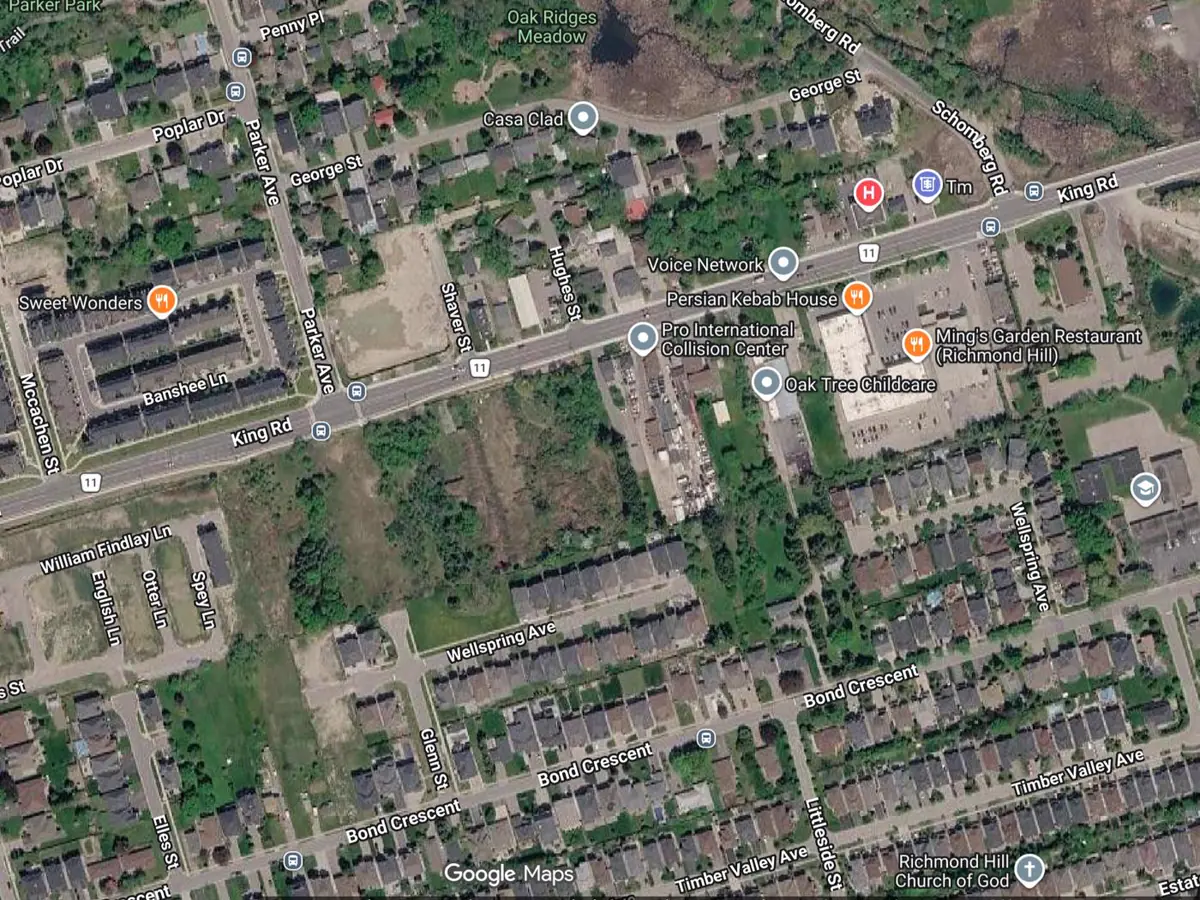
The most common way a geofence rollout goes badly is a boundary drawn too tight. Denied punches from honest workers standing 30 feet outside a line they can't see will burn your credibility in about two days.
Practical guidance:
A geofence that only produces cleaner data on a phone hasn't saved anyone any time. The value shows up when the punch travels the whole distance to payroll on its own.
In JobBuddy that path is: crew punches in inside the fence → hours accumulate against that specific job → the foreman or owner reviews and approves them → approved hours sync to QuickBooks with the rest of the job's expenses and invoices. Nothing gets re-keyed from a photo of a paper timesheet, which is where the second set of payroll errors usually enters.
The same GPS discipline runs through the rest of the field record. Photos carry time, GPS and project automatically, so a progress dispute is settled with a timestamp instead of two people's recollections — the same evidence trail the homepage walks through in detail.
Location tracking is the one feature a crew will have an opinion about. Handled badly it reads as "the boss doesn't trust us." Handled well it reads as "you get paid for exactly the hours you worked, and nobody argues about it again."
On the legal side: employer GPS monitoring during work hours faces few federal restrictions in the US, and geofencing is widely used in construction — but the rules aren't uniform. A legal overview from law firm Williams Mullen notes that geofencing is "particularly helpful for employers in the construction industry," that communication and transparency are paramount, and that unionized workforces bring collective-bargaining agreements into the picture, since unions may resist or want to renegotiate monitoring terms. State law and Canadian provincial law differ. Get your own policy reviewed by your own counsel before you roll it out — this page is not legal advice.
Geofenced GPS time tracking is part of JobBuddy's Pro plan: $199 CAD/month base plus $25 CAD per user per month, 15% off when billed yearly, no user minimums, cancel anytime. Setup takes about 15 minutes. A 10-person crew runs $449/month — the full pricing page works the arithmetic out for every crew size.
The free Starter plan is genuinely free forever — 1 user, offline mode, unlimited projects, up to 100 photos and 100 documents — so you can put the app in your own hands before you decide. Geofenced time tracking, QuickBooks sync and the JODA AI assistant sit on Pro. Enterprise is custom, with tailored workflows, integrations and dedicated onboarding.
Two things worth knowing when you compare quotes in this category: most geofence time clocks price purely per user, so the number moves every time you hire; and several of the big construction platforms don't publish pricing at all. If you're weighing JobBuddy against the large suites, the Procore alternative and Buildertrend alternative comparisons lay out where each one genuinely wins — and our pricing page publishes every number, including what a 3-, 10- or 35-person crew pays.
| What matters on site | JobBuddy | Why it matters |
|---|---|---|
| Geofenced clock-in | ✓ Built in (Pro) | The punch is tied to the site, not to a promise |
| Works with zero bars | ✓ 100% offline, auto-sync | Basements and rural sites are normal, not edge cases |
| GPS-stamped photo proof | ✓ Time + GPS + project, automatic | Settles progress disputes without a phone call |
| Approvals before payroll | ✓ Review and approve hours | Catches the honest mistakes before they're paid |
| QuickBooks sync | ✓ Native | No re-typing timesheets on Friday afternoon |
| Apple Watch clock-in | ✓ Supported | Gloves on, phone in the truck |
| Published pricing | ✓ $199/mo + $25/user | You can budget it without a sales cycle |
| Setup time | ~15 minutes | Nobody on a 12-person crew has an implementation team |
Plan details from JobBuddy's published pricing, August 2026. Time-theft range attributed to the American Payroll Association as reported by WorkMax. Legal context from Williams Mullen. Not legal or payroll advice.
It ties a worker's clock-in to a virtual boundary drawn around the job site. You drop a geofence around the site address, and the crew can only clock in inside that boundary — so hours are attached to a real location and a real job instead of a timesheet filled out from memory on Friday.
In JobBuddy, yes. GPS is a satellite signal, not a cellular one, so a phone can still fix its position with zero bars — and JobBuddy works 100% offline anyway. Clock-ins, photos and daily logs keep recording in basements and dead zones, then sync automatically at the first bar. Apps that need a live connection to validate the fence are the ones that fail on a rural pour.
Cover the working area plus a buffer — the lot, the staging area, the parking the crew actually uses, and margin for GPS drift near tall buildings or heavy steel. Too tight and honest workers get denied at the gate; too loose and the coffee shop across the road is inside the fence. Start slightly generous, then tighten after a week of real data.
It's part of Pro: $199 CAD/month base plus $25 CAD per user, 15% off billed yearly, no user minimums — a 10-person crew is $449/month. The free Starter plan (1 user, offline mode, unlimited projects, up to 100 photos and documents) lets you try the app first; geofenced time tracking, QuickBooks sync and JODA are Pro features. See full pricing →
Employer GPS monitoring during work hours faces few federal restrictions in the US and geofencing is widely used in construction, but rules differ by state and province, and unionized crews may have collective-bargaining terms covering monitoring. Written policy, clear notice to the crew, and tracking limited to on-the-clock hours are standard practice. Check the specifics with your own counsel.
It stops the common version — one worker clocking in a colleague who's still at home or at the truck stop. Because punches outside the boundary are refused and accepted ones carry a GPS stamp, off-site clock-ins stop being possible and start being visible. It won't stop someone standing on site doing nothing; that's still a supervision problem, not a software one.
FREE TO START · NO CARD NEEDED · SETUP IN 15 MINUTES